Technology that protects trust and keeps client work moving.
Managed IT for accountants, attorneys, consultants, insurance offices, and other professional-services firms across South Florida. BlueNexus supports the secure communication, document access, remote work, and dependable systems that client-service firms rely on every day.
Secure client communicationReliable remote workProtected documents and accounts
Client-service technologyProfessional work without avoidable IT friction.
Email and documents available
Remote access protected
Employees supported
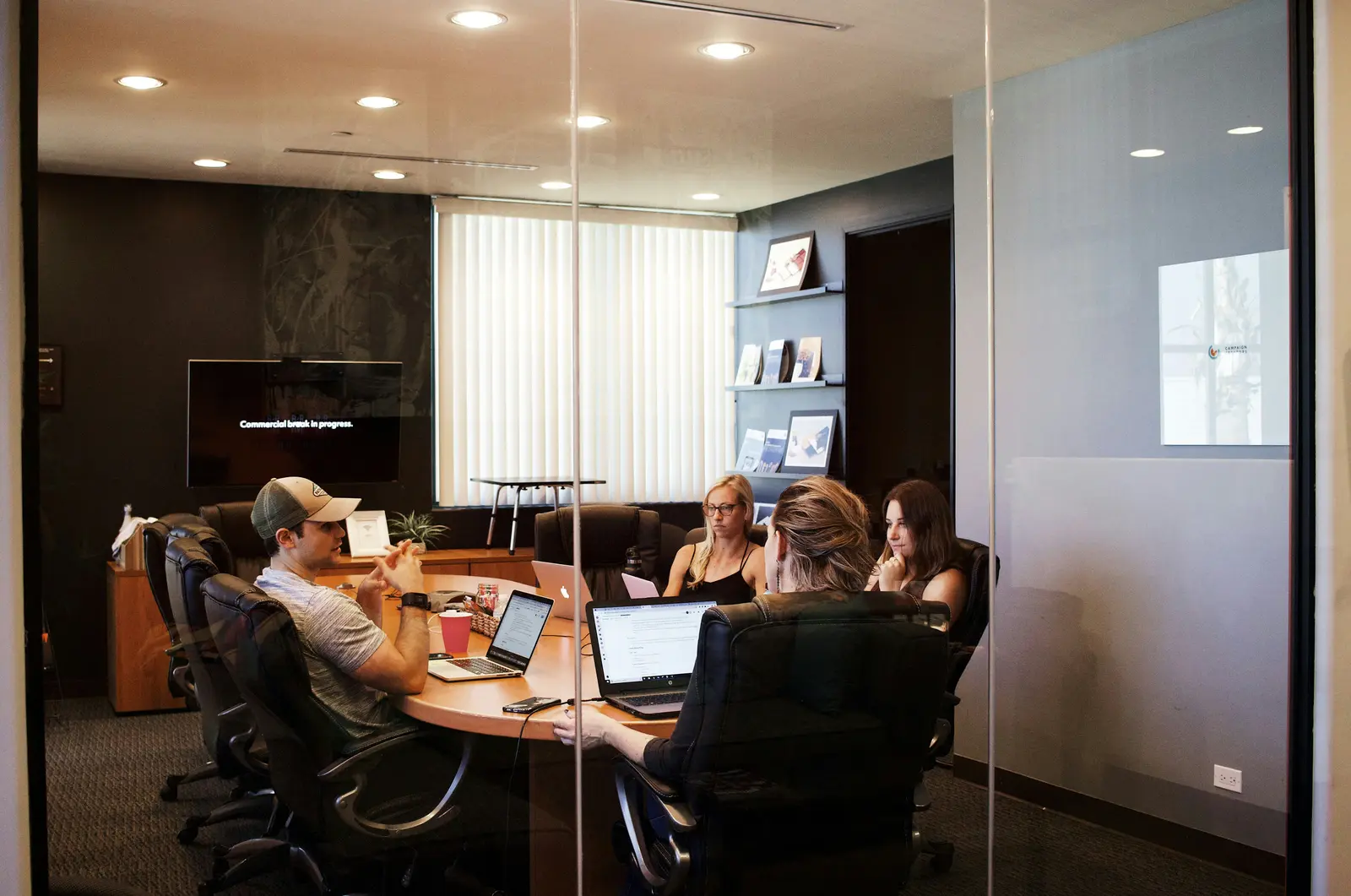
Stock photography via Unsplash. Illustrative service overview; not live system status.
Technology behind client trust
Secure documents, reliable communication, and support that keeps deadlines moving.
Attorneys, accountants, consultants, insurance offices, real-estate professionals, and other client-service firms rely on fast access to confidential documents and communication. Technology problems affect billable time, deadlines, client confidence, and the firm's ability to deliver polished service.
BlueNexus supports workstations, Microsoft 365, secure sharing, remote access, networks, backups, endpoint security, onboarding, offboarding, and specialized application vendors as one connected environment.
Modern protection includes MFA, AI-assisted EDR, email authentication, next-generation firewalls, least-privilege access, encrypted devices, and clear controls around shared documents. These safeguards are combined with an employee experience that remains practical in the office, at home, and at client locations.
Microsoft 365, email, meetings, and document access
MFA, EDR, email protection, and secure sharing
Hybrid-work devices and remote support
Backup, employee lifecycle, and vendor coordination
Professional-services risk
Client trust depends on quiet, reliable systems.
Firms need fast access to documents and communication while protecting confidential information and maintaining a polished client experience.
01
Sensitive information moves everywhere
Client documents, email, shared links, laptops, and remote access create multiple points where permissions and security matter.
In practice
Confidential documents may move through email attachments, local desktops, personal cloud accounts, USB storage, external links, and unmanaged home computers without one clear ownership model.
02
Busy teams cannot wait on technology
A failed login, slow workstation, missing file, or unstable meeting can delay deadlines and affect client service.
In practice
A failed login, missing client file, unstable Teams meeting, unavailable line-of-business application, or slow laptop can consume time that should be spent on client work.
03
Growth creates inconsistency
New employees, contractors, applications, and devices are added quickly without repeatable standards for access and support.
In practice
Seasonal staff, contractors, mergers, remote employees, and rapid hiring can create inconsistent licenses, permissions, devices, shared mailboxes, and departure procedures.
Technology for client service
Secure access, responsive support, and clearer operations.
BlueNexus helps firms create a consistent environment for employees in the office, at home, or moving between client locations.
Managed user support
Responsive help for workstations, applications, email, meetings, printers, permissions, and remote access.
Employees receive a clear support path for workstations, accounts, applications, email, meetings, printers, permissions, and remote access. Requests are handled according to business impact and documented through completion.
Exchange Online, Teams, SharePoint, OneDrive, shared mailboxes, groups, licensing, and Entra ID can be organized around the firm's departments, client work, and security requirements.
Tenant and mailbox administration
Teams, SharePoint, and OneDrive structure
MFA, identity, and license management
Document access
Organized sharing, permissions, synchronization, remote access, and recovery for supported document systems.
Document systems are reviewed for business ownership, synchronization, version history, access groups, external sharing, retention, and recovery. Permissions should follow roles and matters rather than informal shared passwords.
Layered security protects the identity, device, email, network, and recovery path. AI-assisted EDR, next-generation firewalls, MFA, patching, email authentication, and least privilege reduce common attack paths.
Behavioral endpoint detection and response
MFA, email security, and domain authentication
Firewall, segmentation, patching, and risk review
Backup and continuity
Protection and recovery planning for important business data, cloud services, and supported systems.
Important client and business data can be protected across Microsoft 365, workstations, servers, NAS, and supported applications. Recovery priorities are connected to deadlines and client-service impact.
Cloud, endpoint, and server protection
Restore testing and documented retention
Continuity planning for critical deadlines
Onboarding and offboarding
Consistent account, access, license, and device steps when staff or contractors join, change roles, or leave.
Repeatable employee and contractor workflows cover accounts, groups, licenses, devices, MFA, shared resources, business applications, mailbox access, and the preservation or transfer of work product.
New-hire and seasonal-staff preparation
Role changes and temporary access
Departure, data ownership, and license recovery
Modern professional-services IT
Protect the client relationship without slowing down the professionals.
Security and usability work best when identities, devices, documents, and communication follow a consistent business-owned model.
Editorial stock photography via Unsplash
01
Identity
MFA and least-privilege access
Named accounts, separate administrators, role-based groups, and Conditional Access where licensed reduce the risk of shared passwords and excessive permanent access.
Example: a temporary tax-season employee can receive only the client folders, mailbox, and applications required for the assignment.
02
Documents
Controlled client collaboration
SharePoint, OneDrive, and approved client portals can provide named access, expiration, version history, and business ownership without relying on personal file-sharing accounts.
Example: a large client document set can be shared through an approved workspace instead of being split across multiple unencrypted attachments.
03
Email
Impersonation and fraud resistance
Domain authentication, phishing protection, mailbox controls, user verification procedures, and account monitoring reduce the risk of fake payment requests and compromised email threads.
Example: a request to change banking instructions is verified through a known contact method before the firm acts.
04
Hybrid work
Managed devices and secure access
Firm-owned laptops can use encryption, AI-assisted EDR, patching, secure remote support, MFA, and controlled access to cloud or office resources.
Example: a lost laptop can be disabled from business access while the encrypted local data remains protected.
Modern examples
Technology decisions shaped by client deadlines and confidentiality.
The right support model protects the work product while helping employees stay productive during the firm's busiest periods.
01
Seasonal employees join before a deadline
Accounts, devices, applications, licenses, client groups, MFA, and departure dates are prepared from an approved role template.
Response: staff begin with the correct access and can be removed cleanly when the engagement ends.
02
A client needs a secure document exchange
File size, sensitivity, external identities, expiration, download rights, retention, and ownership are considered before a link is sent.
Response: create an approved sharing method with named access and a clear owner instead of using a personal cloud account.
03
A laptop disappears during travel
The employee identity, device encryption, active sessions, cached data, email, VPN, endpoint status, and client-notification obligations are reviewed.
Response: revoke access, confirm protection status, preserve evidence, replace the device, and follow the firm's incident process.
How we approach it
A clear path from today's gaps to a healthier environment.
01
Learn
We understand the firm’s client workflow, deadlines, systems, remote-work needs, and information sensitivity.
Learned: client workflow, deadlines, sensitive information, applications, locations, and existing support challenges.
02
Organize
Users, devices, permissions, support paths, vendors, and technology priorities are brought into a clearer structure.
Organized: users, devices, permissions, Microsoft 365, vendors, documentation, and support paths.
03
Protect
Security and recovery controls are strengthened without ignoring the way professionals need to work.
Protected: identity, email, endpoints, network, sharing, backups, and administrator access.
04
Support
Employees receive responsive help and the environment continues to improve as the firm grows.
Supported: daily requests, new employees, vendors, changes, incidents, and long-term planning.
Anonymized project story
A more consistent cloud workspace for a client-service team.
BlueNexus helped a South Florida professional-services team organize Microsoft 365 accounts, strengthen sign-in security, and create a more supportable employee setup.
Professional firms do not need technology for its own sake. They need dependable access to the right information, a secure way to communicate, and a fast path to help when something interrupts client work.
BlueNexus keeps those outcomes at the center while making the environment easier to administer, secure, document, and grow.
Cleaner identity and license administration
More dependable access to business communication
A consistent support path for employees
Questions, answered
Know what to expect.
Scope, responsibilities, and recommendations are explained before work begins.
BlueNexus is a fit for small and mid-sized accountants, attorneys, consultants, insurance offices, real-estate professionals, and similar client-service organizations.
Can you support remote or hybrid employees?
Yes. We can help with secure accounts, managed devices, Microsoft 365, remote access, collaboration, and support for agreed-upon home or mobile workflows.
Can you work with our specialized software provider?
Yes. We can coordinate with line-of-business software vendors for system requirements, access, connectivity, workstation issues, and technical troubleshooting.
Can you support tax, legal, insurance, or other specialized software?
BlueNexus can support agreed workstation, network, access, server, and integration components and coordinate with the application's authorized vendor. Product-specific configuration and support remain subject to the vendor and service scope.
Can outside contractors receive temporary access?
Yes, when the business approves it and the platform supports the required control. Access should be named, limited by role and time, protected with MFA, reviewed, and removed when the work ends.
Can you help us reduce personal file-sharing accounts?
Yes. BlueNexus can inventory the current workflow, identify business-owned alternatives, organize permissions, migrate appropriate data, and help employees adopt the approved sharing process.