Reliable connectivity from the firewall to the farthest desk.
Business network and Wi-Fi services for South Florida, including firewalls, switches, wireless, VPNs, VLANs, monitoring, UniFi, and Meraki environments. BlueNexus designs and improves business networks for stable coverage, safer access, clear visibility, and easier support.
Business Wi-FiFirewalls and switchingVPNs and network segmentation
Network healthConnected, segmented, visible.
Coverage where work happens
Business traffic protected
Performance easier to diagnose
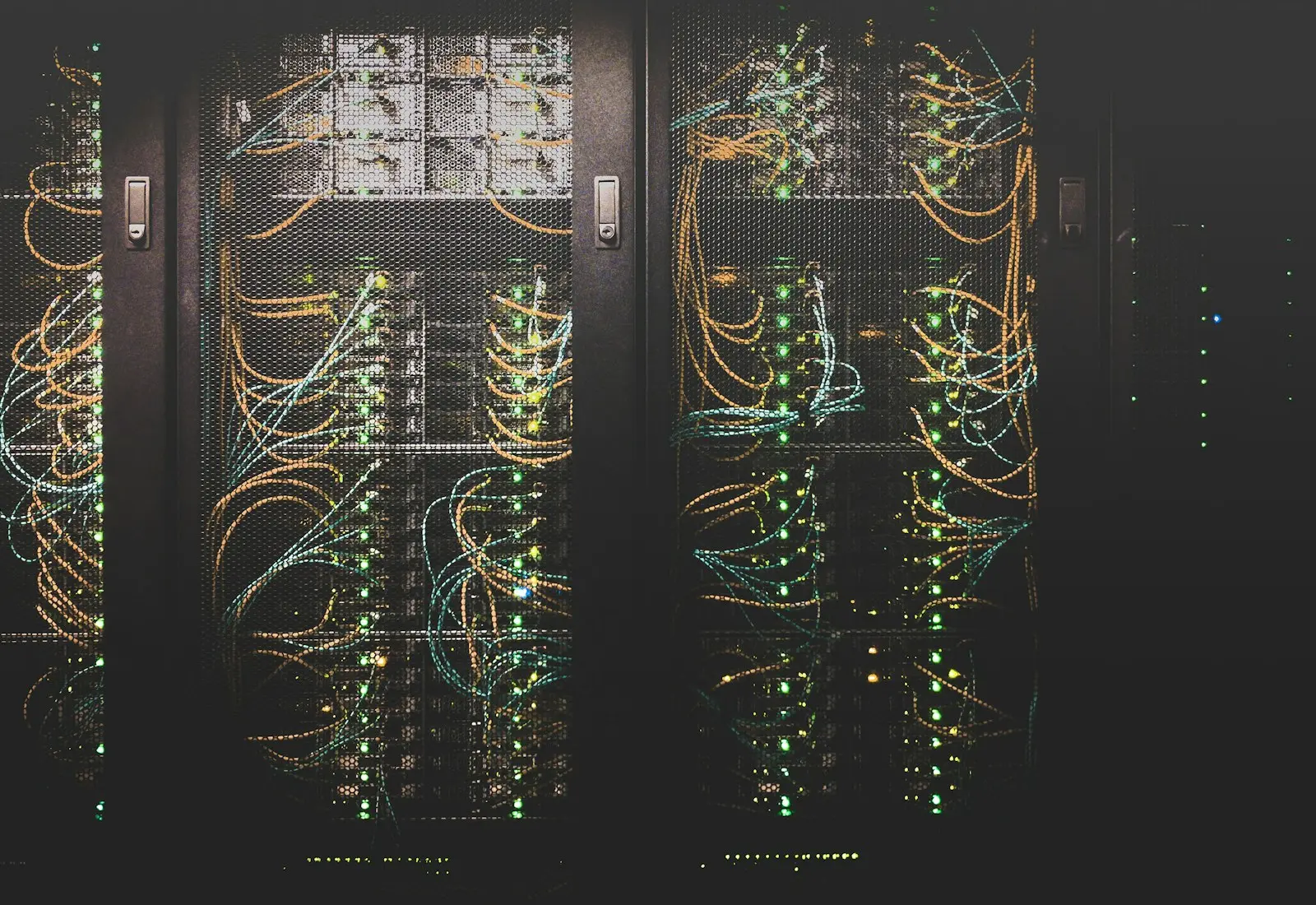
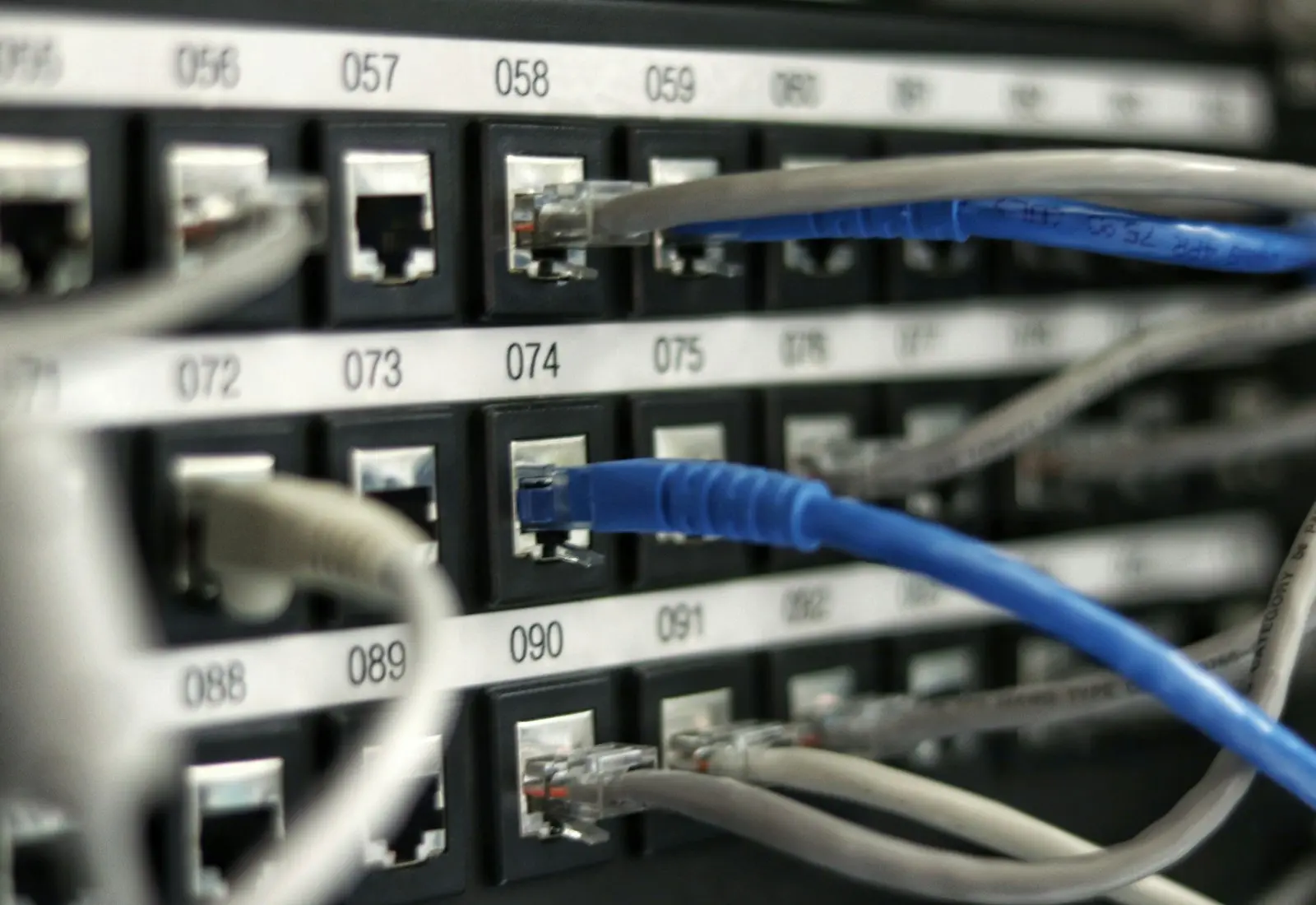
Stock photography via Unsplash. Illustrative service overview; not live system status.
Business connectivity
A network designed for the people, devices, applications, and security policies using it.
Reliable connectivity depends on more than the internet speed printed on the bill. The firewall, switches, wireless access points, cabling, device density, building materials, channel use, power, segmentation, DNS, and provider handoff all affect the employee experience.
BlueNexus designs and supports business networks using modern platforms such as UniFi and Meraki where they fit the client's requirements. A next-generation firewall can apply threat prevention and application-aware policies, while managed switches and VLANs create intentional separation between employees, guests, phones, cameras, servers, and operational devices.
Wireless design should match the space and use case. Wi-Fi 6, 6E, and Wi-Fi 7 features can improve capacity and performance, but correct access-point placement, wired backhaul, power, channel planning, and client behavior still matter more than simply purchasing the newest model.
Next-generation firewalls and secure VPN
Managed switching, PoE, VLANs, and monitoring
Business Wi-Fi design and coverage improvement
Internet failover and multi-location connectivity
Connectivity problems
The network should be quiet infrastructure.
Weak coverage, aging equipment, flat networks, and unclear ownership create daily frustration and make security or troubleshooting harder.
01
Dead zones and unstable Wi-Fi
Employees lose calls, reconnect repeatedly, or crowd around the few areas where wireless service works reliably.
In practice
A high-speed internet circuit can still feel slow when access points are poorly placed, channels overlap, cabling negotiates at the wrong speed, or one device consumes excessive bandwidth.
02
A network that grew without a plan
Consumer equipment, unmanaged switches, old cabling, and inconsistent settings make failures difficult to isolate.
In practice
A flat network may let guest devices, cameras, printers, servers, and employee computers communicate more broadly than the business intends.
03
Everything shares the same access
Guest devices, cameras, printers, computers, and infrastructure may sit together without appropriate separation.
In practice
Intermittent problems become difficult to prove when the firewall, switches, wireless system, ISP equipment, and addressing are managed separately with little logging.
Network services
Design, deployment, and ongoing visibility.
We work with the existing environment when it makes sense and recommend targeted improvements when hardware, layout, or configuration is the limiting factor.
Wireless design and improvement
Access-point placement, channel and power tuning, coverage review, roaming, and business Wi-Fi configuration.
The current environment is reviewed for topology, equipment, cabling, coverage, interference, addressing, segmentation, internet performance, and the workflows employees say are unreliable.
Topology and equipment review
Coverage, capacity, and performance testing
Risk, lifecycle, and configuration findings
Firewalls and internet edge
Secure configuration, internet connectivity, policies, VPNs, failover planning, and provider coordination.
Business firewalls can provide application-aware rules, IDS/IPS, DNS and reputation controls, secure remote access, site-to-site VPN, logging, and segmentation. Features are selected and tuned to the business instead of enabled blindly.
Next-generation threat prevention
Remote-user and site-to-site VPN
Policy, logging, and controlled inbound access
Switching and VLANs
Managed switching, network segmentation, device placement, trunking, and safer separation of business traffic.
Managed switches provide VLANs, PoE, port visibility, loop protection, uplink monitoring, and a stable foundation for access points, phones, cameras, and wired workstations.
VLAN and port configuration
PoE power and uplink planning
Switch health, capacity, and lifecycle visibility
Remote access
Secure VPN and remote connectivity designed around authorized users and actual business needs.
Wireless coverage is planned around walls, distance, client density, frequency bands, application needs, roaming, and wired backhaul. Guest access and business access can be separated while approved devices still reach required services.
Access-point placement and channel planning
Business, guest, and device SSIDs
Roaming, capacity, and coverage improvement
Monitoring and troubleshooting
Visibility into performance, outages, device health, and patterns that are difficult to diagnose from user reports alone.
Remote employees and branch locations can be connected through appropriately secured VPN or cloud-access methods. Access is limited to what the user or location needs rather than extending the entire internal network.
Site-to-site and remote-user access
Role and network-based restrictions
MFA and modern identity integration where supported
Moves and new locations
Network planning, equipment deployment, cabling coordination, internet readiness, and cutover support.
Managed visibility helps identify outages, high utilization, disconnected equipment, internet instability, and configuration changes. Useful alerts are combined with provider escalation and documentation.
Firewall, switch, and access-point status
ISP performance and outage evidence
Configuration backup and change tracking
Modern network architecture
Fast where it should be, separated where it matters.
Performance and security improve together when the network is intentionally designed instead of growing one unmanaged device at a time.
Editorial stock photography via Unsplash
01
Edge
Application-aware firewalling
A next-generation firewall can identify applications and threats, apply intrusion-prevention signatures, use reputation intelligence, and log decisions with more detail than a consumer router.
Example: remote management can be restricted to an encrypted VPN rather than exposing a management portal directly to the internet.
02
Segmentation
VLANs and policy boundaries
Employees, servers, guests, cameras, voice, printers, and building devices can be placed into separate zones with only the communication required for the workflow.
Example: a wireless employee can print across an approved VLAN rule without gaining broad access to every device on the office network.
03
Wireless
Capacity-aware Wi-Fi
Access points are selected and placed around coverage, density, spectrum, roaming, wired backhaul, and the applications in use. Newer Wi-Fi standards are useful when the clients and design can benefit.
Example: a conference area with many video calls may need a different design than a warehouse aisle with handheld scanners.
04
Resilience
Internet and power continuity
Secondary internet, cellular failover, UPS protection, documented provider handoffs, and monitored network equipment can reduce the impact of local circuit or power problems.
Example: critical cloud applications can continue on a secondary circuit while the primary ISP incident is escalated.
Modern examples
Network problems that need more than a speed test.
A clear design makes troubleshooting faster because each device, segment, and connection has an expected role.
01
Wireless printers are invisible across VLANs
The security boundary is working, but discovery and printing need an intentional path. Multicast, DNS, printer addressing, and firewall rules are reviewed without flattening the entire network.
Response: allow only the required discovery or print traffic while maintaining separation from unrelated devices.
02
A busy office has random Wi-Fi drops
Access-point placement, channel use, power, client roaming, cabling, interference, capacity, and ISP behavior are measured instead of replacing hardware by guesswork.
Response: correct the actual coverage or capacity problem and verify performance in the affected work areas.
03
A second office needs secure access
The applications, user groups, internet circuits, addressing, firewall policies, and support model are defined before the locations are connected.
Response: deploy site-to-site connectivity with limited routes, consistent standards, monitoring, and documented failover expectations.
How we approach it
A clear path from today's gaps to a healthier environment.
01
Survey
We review the layout, equipment, internet service, business requirements, and the places where connectivity fails.
Observed: physical layout, current topology, devices, cabling, applications, complaints, and provider service.
02
Design
Coverage, switching, segmentation, addressing, security, and equipment needs are mapped into a practical plan.
Changes are staged, configured, documented, and introduced with attention to downtime and employee impact.
Implemented: staged configuration, cutover, validation, labeling, documentation, and employee testing.
04
Optimize
Performance is verified after deployment and adjusted as the space, users, and connected devices change.
Maintained: health, firmware, configuration, capacity, ISP performance, and future growth.
Anonymized project story
Better coverage and clearer network visibility.
A growing office was dealing with coverage gaps and aging network equipment. BlueNexus reviewed the layout and configured coordinated firewall, switching, and wireless improvements.
Network improvements are most successful when BlueNexus can connect employee complaints to technical evidence. A coverage map, switch-port history, firewall log, or ISP-loss pattern is more useful than repeatedly rebooting equipment.
The finished network should be understandable, supportable, and ready for the next employee, access point, camera, phone, or office expansion.
More dependable wireless coverage
A network that is easier to understand and support
Better separation and visibility across connected devices
Questions, answered
Know what to expect.
Scope, responsibilities, and recommendations are explained before work begins.
Yes. BlueNexus works with UniFi and Meraki environments, along with other business networking equipment when the design and support requirements are a good fit.
Will we need all new equipment?
Not necessarily. We evaluate current hardware, age, capacity, support status, and configuration before recommending replacement.
Can you improve Wi-Fi without opening walls?
Often, yes. Placement, tuning, configuration, and selective equipment changes can make a major difference. Some environments still require cabling changes for the best result.
Do you work with UniFi and Meraki?
Yes. BlueNexus has experience with UniFi and Meraki environments. The best platform depends on the client's requirements, budget, licensing expectations, support model, security needs, and existing equipment.
Will faster internet fix our Wi-Fi?
Not necessarily. Internet bandwidth, Wi-Fi coverage, interference, access-point capacity, cabling, switching, DNS, and device behavior are different parts of the path. Testing is needed to identify the actual bottleneck.
Can guest Wi-Fi be kept separate?
Yes. Guest users can be placed on an isolated network with internet access and policies appropriate to the business, while internal systems remain unreachable unless a specific exception is intentionally created.