Local support across Miami-Dade and South Florida.
BlueNexus provides remote and onsite business IT support from Miami, serving organizations across Miami-Dade, Broward, and nearby South Florida communities. BlueNexus is Miami-based, with secure remote support for fast resolution and onsite service by arrangement when the work requires hands-on attention.
Miami-basedRemote support across South FloridaOnsite service by arrangement
Service coverageClose enough to understand local business.
Miami-Dade primary coverage
Broward and nearby communities
Remote support beyond the office
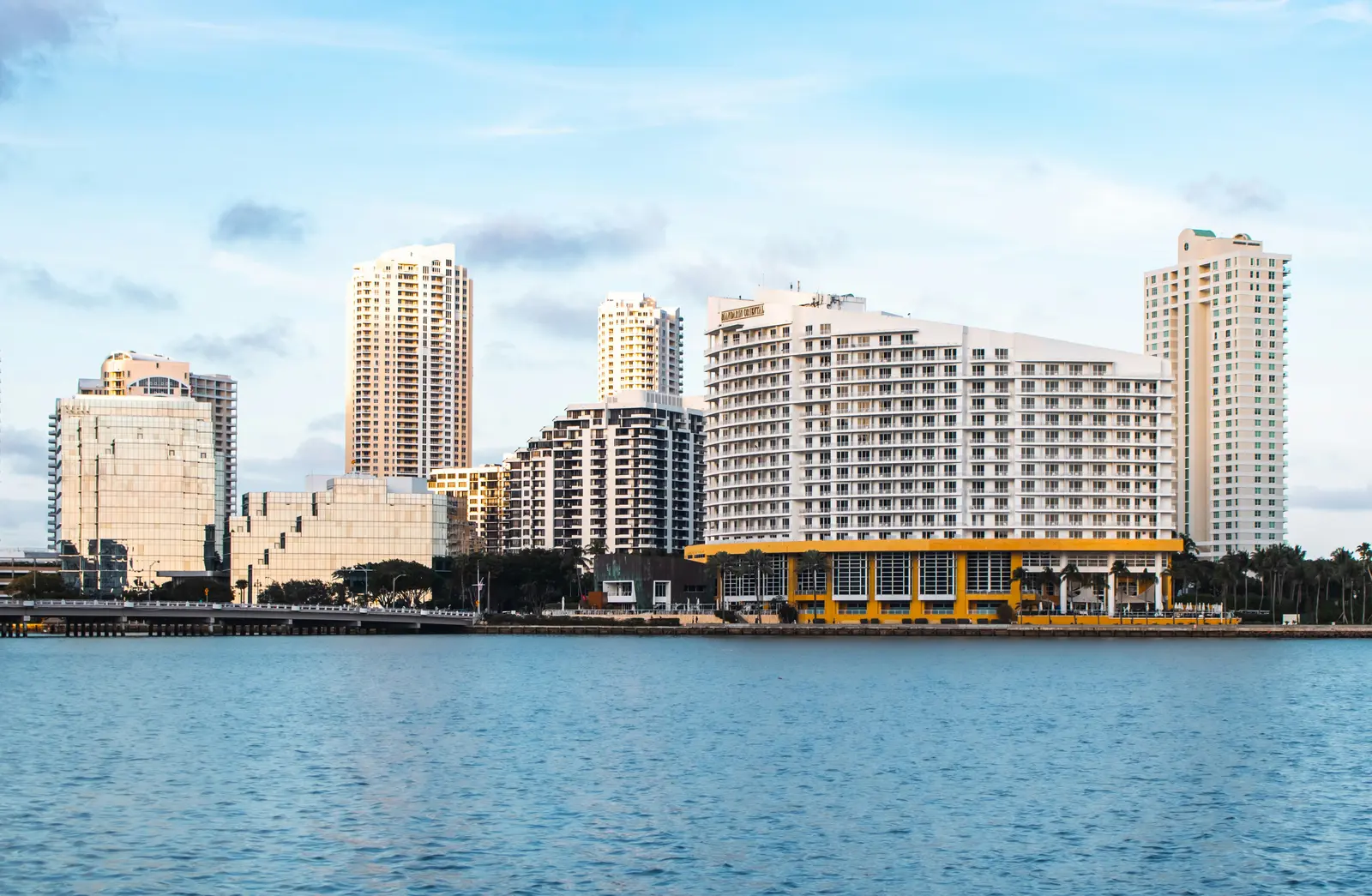
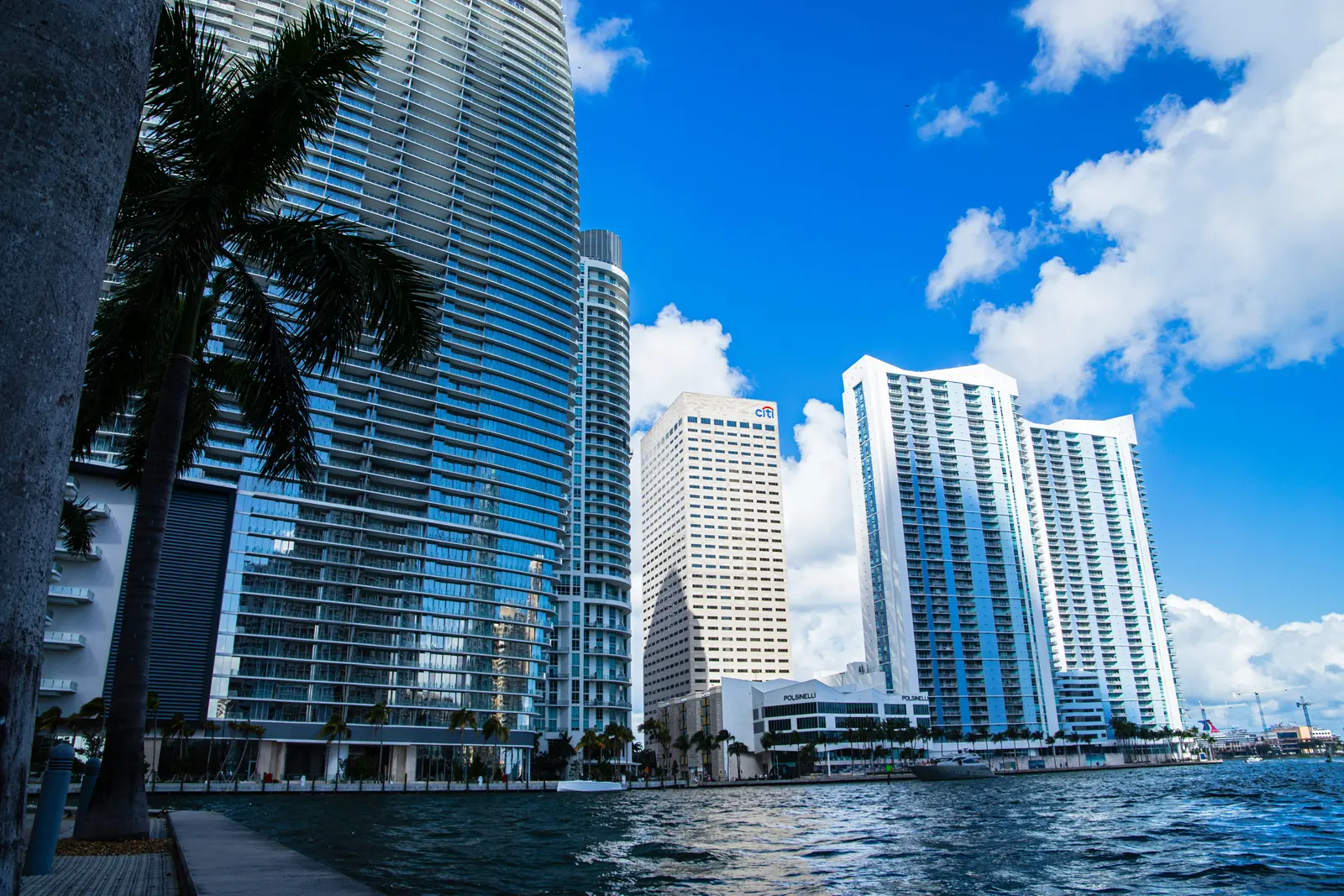
Stock photography via Unsplash. Illustrative service overview; not live system status.
Miami-based business IT
Local accountability with secure remote support for faster resolution.
BlueNexus is based in Miami and primarily supports businesses across Miami-Dade, with service available in Broward and nearby South Florida communities depending on the relationship, project, urgency, and scheduling requirements.
Most software, account, Microsoft 365, and configuration issues can be handled securely through remote support, which lets a technician begin without waiting for travel. Onsite service is used when physical access adds value, such as firewall and switch work, Wi-Fi troubleshooting, hardware replacement, office moves, cabling coordination, or new-location setup.
For organizations with remote employees or additional offices, BlueNexus can maintain consistent account, device, security, backup, and network standards while coordinating qualified local resources when hands-on work falls outside the normal onsite area.
Primary onsite coverage across Miami-Dade
Broward and nearby South Florida by arrangement
Secure remote support for approved users and locations
Multi-location projects and partner coordination
A local service model
Remote speed with onsite help when it matters.
Many IT issues can be resolved securely without travel. Hardware, network, installation, and location-specific work still benefit from a nearby technical partner.
01
Miami-Dade County
Primary coverage includes Miami, Doral, Kendall, Coral Gables, Hialeah, Homestead, Miami Lakes, and surrounding communities.
In practice
Miami-Dade clients may need onsite attention in Miami, Doral, Kendall, Coral Gables, Hialeah, Homestead, Miami Lakes, and nearby communities while still relying on remote help for fast daily support.
02
Broward and nearby South Florida
Service may be available in Broward and nearby areas based on the client relationship, project, urgency, and scheduling needs.
In practice
A Broward or nearby South Florida location may require planned travel, a project scope, or a service agreement that clearly defines response expectations and any location-related cost.
03
Secure remote support
Managed clients can receive remote help across supported locations, including branch offices and authorized remote employees.
In practice
Remote employees can receive support for authorized accounts and managed devices even when they are not physically close to the main office, while hands-on work is coordinated separately.
How coverage works
The right response for the type of problem.
Service availability, response expectations, travel, and covered locations are defined clearly in the agreement or project scope.
Remote troubleshooting
Fast support for many user, application, account, email, and configuration issues without an onsite delay.
Secure remote support is the fastest path for many account, application, email, Microsoft 365, printer, and configuration issues. The technician can work directly with the user and device while preserving the support record.
Users and managed devices across approved locations
Microsoft 365, applications, and account support
Rapid triage before an onsite visit is scheduled
Onsite business support
Hands-on work for equipment, connectivity, network changes, deployments, troubleshooting, and location-specific needs.
Onsite service is available by arrangement for physical equipment, networks, deployments, installation, connectivity, troubleshooting, and projects within the supported area.
Firewall, switch, wireless, and device work
Hands-on diagnosis and equipment replacement
Planned or urgent visits according to agreement
New offices and moves
Internet readiness, network planning, equipment setup, cabling coordination, and technology cutover support.
New-location projects can include internet readiness, floor-plan review, network design, equipment staging, cabling coordination, carrier communication, workstation setup, and cutover support.
Internet and cabling readiness
Network, Wi-Fi, and equipment deployment
Move-day and post-cutover support
Multi-location coordination
Consistent standards and a central support relationship across supported offices, users, and vendors.
Shared standards make multiple offices easier to support. BlueNexus can coordinate identity, endpoint, Microsoft 365, firewall, wireless, backup, documentation, and vendor practices across approved locations.
Consistent security and support standards
Centralized documentation and vendor ownership
Location-specific exceptions kept intentional
Emergency coordination
A defined escalation path for urgent business-impacting issues, subject to the client’s service agreement.
Urgent issues follow a defined escalation path based on business impact, service agreement, time, location, and whether remote or physical intervention is required.
Business-impact triage
Remote containment and diagnosis
Onsite or vendor dispatch when appropriate
Partner-assisted coverage
When work falls outside the normal onsite area, BlueNexus can coordinate with qualified local resources when appropriate.
When a supported client needs hands-on work outside the normal area, BlueNexus can help identify and coordinate a qualified local resource while retaining technical direction and documentation.
Remote technical guidance
Local resource requirement review
Documented work and validation
A modern service model
Use remote speed when possible and local hands-on expertise when necessary.
The delivery method should match the problem, not force every request into a truck roll or an endless remote session.
Editorial stock photography via Unsplash
01
Remote
Fast first response
Many incidents can be diagnosed and resolved through secure remote support. Even when an onsite visit is required, remote triage helps identify the correct equipment, access, and parts before travel.
Example: an office-wide outage can be checked for ISP, firewall, power, and service status while someone at the location confirms physical indicators.
02
Onsite
Hands-on infrastructure work
Network equipment, access points, cabling, device installation, office moves, and physical failures benefit from a technician who can inspect the actual environment.
Example: recurring Wi-Fi complaints can be tested in the affected rooms instead of judged only from a remote dashboard.
03
Standards
Consistent multi-site technology
Documented device, identity, network, security, and backup standards reduce the number of one-off configurations across offices.
Example: a new branch can use the same firewall policy, employee onboarding, wireless names, and support process with only intentional local differences.
04
Coordination
One technical owner
Internet carriers, cabling companies, building management, application vendors, phone providers, and local technicians can be coordinated through one documented plan.
Example: BlueNexus can verify the carrier handoff, direct the cabling scope, stage the network, and validate employee access during an office move.
Modern examples
South Florida support that fits the location and the issue.
Clear coverage expectations help the business know when support can begin remotely and when hands-on work should be planned.
01
A Doral office has unstable Wi-Fi
Remote logs and configuration are reviewed first, followed by onsite coverage and interference testing where the problem occurs.
Response: combine technical evidence with the physical environment and make a targeted access-point, channel, cabling, or configuration change.
02
A Coral Gables firm is moving
Carrier dates, building requirements, cabling, firewall, switching, access points, phones, printers, workstations, and vendor dependencies are mapped before move day.
Response: stage and test what can be prepared early, then validate business-critical workflows during cutover.
03
A remote employee works outside South Florida
The managed laptop, Microsoft 365 identity, MFA, endpoint protection, VPN or cloud access, home connectivity, and support boundaries are reviewed.
Response: resolve supported issues remotely and coordinate approved hands-on service only when physical repair is necessary.
How we approach it
A clear path from today's gaps to a healthier environment.
01
Confirm location
We review the business address, supported sites, user locations, and the type of assistance required.
Confirmed: address, locations, users, urgency, physical requirements, and the available onsite contact.
02
Match the response
Remote work is used when it is efficient, and onsite service is planned when physical access adds value.
Availability, travel, scheduling, responsibilities, and any location-specific costs are clear before work begins.
Set: timing, travel, scope, access, responsibility, cost, and the expected validation steps.
04
Support consistently
Documentation and standards help each supported location receive a more predictable experience.
Documented: equipment, configuration, work performed, local details, and the next support action.
Local and practical
A Miami technology partner that can work beyond one office.
BlueNexus combines remote support, onsite capability, and vendor coordination so South Florida businesses do not have to choose between speed and local accountability.
A local IT partner should understand both the technical environment and the realities of South Florida buildings, internet providers, travel, storms, multi-tenant offices, remote employees, and growing locations.
BlueNexus combines that local perspective with secure remote tools and standardized documentation so clients do not have to choose between speed and accountability.
Fast remote help for common issues
Onsite attention for physical infrastructure
One support relationship across supported locations
Questions, answered
Know what to expect.
Scope, responsibilities, and recommendations are explained before work begins.
BlueNexus is based in Miami and primarily serves businesses across Miami-Dade. Broward and nearby South Florida locations may also be supported depending on the scope and client relationship.
Can you support employees outside South Florida?
Remote support may be available for authorized users and supported devices outside the primary onsite area. Any hands-on work would be coordinated separately.
Are onsite visits included?
That depends on the managed service agreement or project scope. Covered visits, travel, response expectations, and hourly work are explained before service begins.
Do you serve Palm Beach County?
Service may be available for projects, remote support, or established client relationships depending on the location, scope, timing, and onsite requirement. Coverage and any travel-related cost are confirmed before work begins.
Can you support a company with offices in multiple states?
Remote support, Microsoft 365, managed devices, security, documentation, and centralized standards may extend beyond South Florida. Hands-on work outside the normal service area would be scoped or coordinated separately.
How do you decide whether an onsite visit is needed?
BlueNexus first considers business impact, the available remote evidence, whether someone at the location can assist, physical equipment needs, security, expected resolution time, and the client's service agreement.